
How to Find B-Roll for YouTube Videos in 2026
The fastest way to find b-roll for YouTube videos is to use an AI tool like ScenePull that analyzes your script and generates matching visuals in under 60 seconds. If you want stock sites or DIY approaches, those work too — but they cost you 45-90 minutes per video.
This guide covers every method, what each one costs in time and money, and when to use which.
What B-Roll Actually Does (And Why Most Creators Get It Wrong)
B-roll is the footage that plays over your voiceover. It breaks up talking-head shots, illustrates your points, and keeps viewers from clicking away. Videos with strong b-roll consistently show higher average view duration — and average view duration is still the most important signal the algorithm reads.
The mistake most creators make: they treat b-roll as decoration. It isn't. Every cut to b-roll should reinforce the point being made in that exact moment. Generic office stock footage over a business tip looks lazy. A tight close-up of hands typing, matched to the audio — that works.
The four methods to find b-roll in 2026:
- Stock footage sites (free and paid)
- Shoot your own footage
- AI video generation (Runway, Pika, Kling)
- AI b-roll curation from your script (ScenePull)
Method 1: Stock Footage Sites
Free Options
Pexels and Pixabay are the two most reliable free sources. Both have searchable libraries of several hundred thousand clips, no attribution required, and high-resolution downloads up to 4K on most clips.
The problem: everyone uses them. If you search "entrepreneur working laptop" on Pexels, you'll find the exact same 12 clips that every other YouTuber uses. Your audience has seen them. They trigger a mental pattern — "this is filler" — and disengage.
Tips to avoid looking generic:
- Search for specific actions, not concepts ("woman pouring coffee" not "morning routine")
- Filter by date to find recently uploaded, less used clips
- Use precise visual terms that describe exactly what you see, not the concept behind it
Pixabay has a slightly different library than Pexels, worth checking both when you strike out on one.
Paid Options
Artgrid is the go-to for serious creators. Subscription starts around $200/year, but the library quality is a different tier — cinematic, properly lit, diverse scenarios that don't feel like 2014 stock footage. If you produce content weekly, the per-video cost amortizes quickly.
Storyblocks offers unlimited downloads on subscription. Good depth for B2B and tech content.
Shutterstock and Getty have massive libraries, but per-clip pricing gets expensive fast without a subscription plan.
Time cost: 20-45 minutes per video searching, downloading, reviewing, organizing.
Method 2: Shoot Your Own B-Roll
Highest quality option, most time-intensive. Shooting your own footage means your b-roll is unique, on-brand, and exactly what you need.
What you actually need:
- A camera (your phone with stabilization works for most use cases)
- A gimbal or stabilizer ($80-200)
- Good natural light or a simple LED panel
- A shot list so you're not improvising
The workflow that actually works: write your script first, identify every moment where you'll need cutaway footage, then batch-shoot b-roll for 3-4 videos in one session. Two hours of intentional shooting yields enough material for a full month of content.
What to capture: close-ups of tools you're discussing, your hands demonstrating a process, relevant environments, products in use. The more specific, the better.
Time cost: 2-4 hours per shoot session, amortized across multiple videos. High setup cost, high payoff over time.
Method 3: AI Video Generation
Tools like Runway Gen-3, Pika, and Kling generate short video clips from text prompts. Type "person typing on laptop in coffee shop, cinematic, golden hour" and you get a 4-second clip in about 30-90 seconds.
The quality has improved significantly. Kling in particular generates footage that's hard to distinguish from real stock at a glance.
Where it falls short:
- Consistency across 20+ clips for one video means 20 slightly different visual styles
- Hands and text still render incorrectly more often than not
- Each generation takes time, and you're writing prompts manually for each scene
- Cost adds up: most tools charge per generation or per second of output
Best use case: single hero shots where you need something hyper-specific that doesn't exist in any stock library. Not practical for sourcing all your b-roll at scale.
Time cost: 5-15 minutes per clip. For a 10-minute video with 30 b-roll cuts, that's 2.5-7 hours.
Method 4: AI B-Roll Curation from Your Script
→ Try ScenePull free — paste your first script
This is where the biggest time saving is in 2026. Instead of manually searching for each visual, an AI reads your script and matches the right b-roll to each scene.
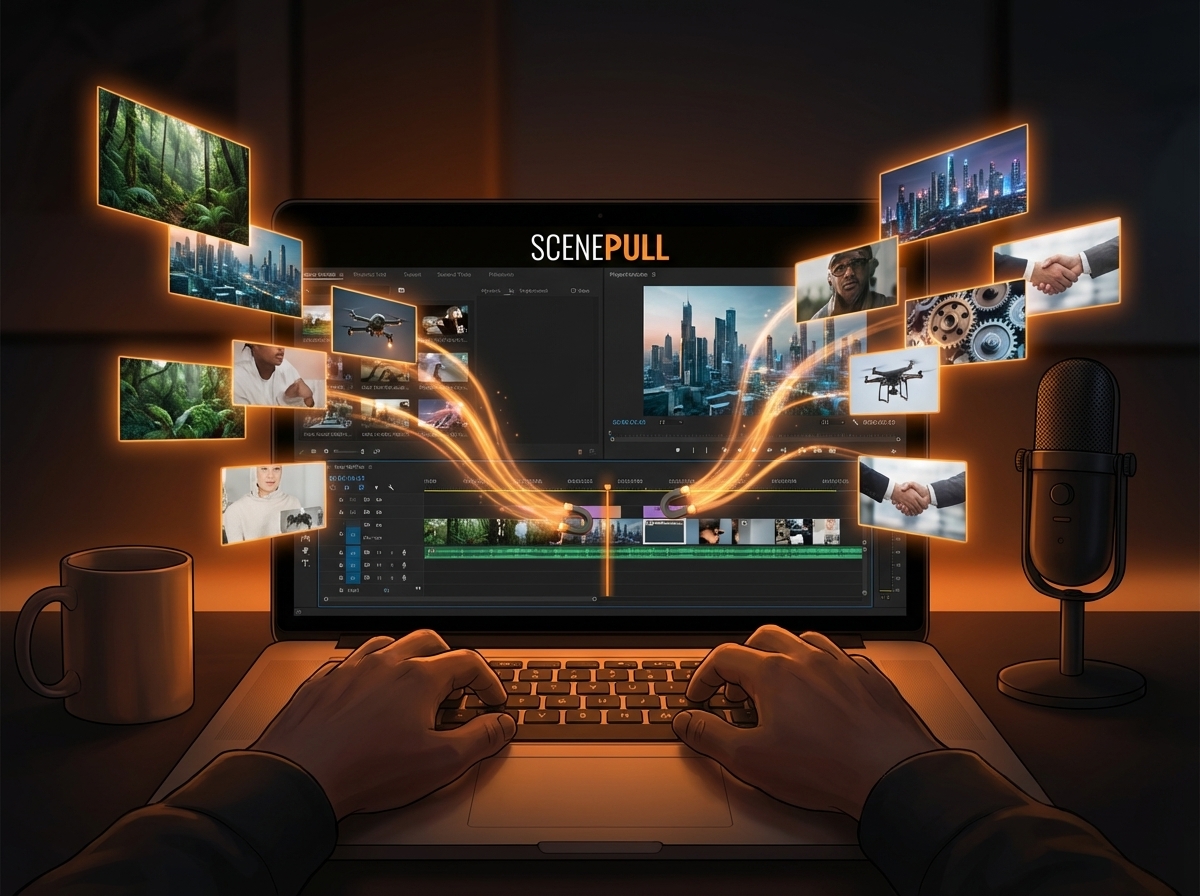
ScenePull works like this: paste your script, and the AI breaks it down scene by scene, identifies what visual would work at each moment, and outputs a set of matched b-roll assets. The whole process takes under 60 seconds.
The key difference from manual stock searching: you're not searching generic terms and hoping something fits. The AI reads the context — what you're saying, not just what keywords appear — and matches footage to the meaning of each scene.
ScenePull exports directly to Premiere Pro, DaVinci Resolve, and CapCut, so the footage lands in your timeline organized by scene. No more drag-and-drop from a downloads folder.
Pricing: Free plan (3 generations), Starter at $9/month, Pro at $29/month with full NLE export.
Time cost: Under 60 seconds to get your b-roll matched to script. Then 10-15 minutes of review in your NLE.
Workflow Comparison: What Each Method Costs Per Video
| Method | Time Per Video | Monthly Cost | Uniqueness | Quality Ceiling |
|---|---|---|---|---|
| Free stock (Pexels/Pixabay) | 30-45 min | $0 | Low | Medium |
| Paid stock (Artgrid) | 20-30 min | $17/mo avg | Medium | High |
| Shoot your own | 2-4 hrs total | $0 after gear | Very High | Very High |
| AI generation (Runway/Pika) | 3-7 hrs | $20-50/mo | High | Medium-High |
| AI curation (ScenePull) | Under 5 min | $9-29/mo | Medium-High | High |
How to Make B-Roll Not Look Like B-Roll
Five rules that separate good b-roll from filler:
Match the energy, not just the topic. Talking about a stressful deadline? Don't use calm, slow footage. Match pacing to what you're saying.
Cut on action. If the talking head reaches for something, cut to b-roll mid-motion. Action-to-action cuts feel natural. Static-to-static cuts feel like a slideshow.
Avoid the obvious. Talking about money doesn't mean you need footage of someone counting cash. Find the specific visual metaphor for the exact point you're making.
Use extreme close-ups. A close-up of coffee pouring looks intentional. A medium shot of someone at a desk looks like a Pexels search result.
Keep clips short. 2-4 seconds per b-roll cut. Longer and it feels like padding. Shorter than 2 seconds feels frantic.
The Recommended Workflow for 2026
For most YouTubers producing 1-4 videos per month:
- Write your script first — always
- Run it through ScenePull to get scene breakdown and matched b-roll in 60 seconds
- Review the suggestions, accept what works, flag what needs something more specific
- Fill remaining gaps with your own footage or a targeted Pexels search
- Export to your NLE organized by scene
This approach cuts b-roll sourcing from 45-90 minutes down to 15-20 minutes per video. Over a year of weekly content, that's 35-65 hours back in your schedule.
Try ScenePull Free
Paste your script, get production-ready b-roll in under 2 minutes. No credit card required.